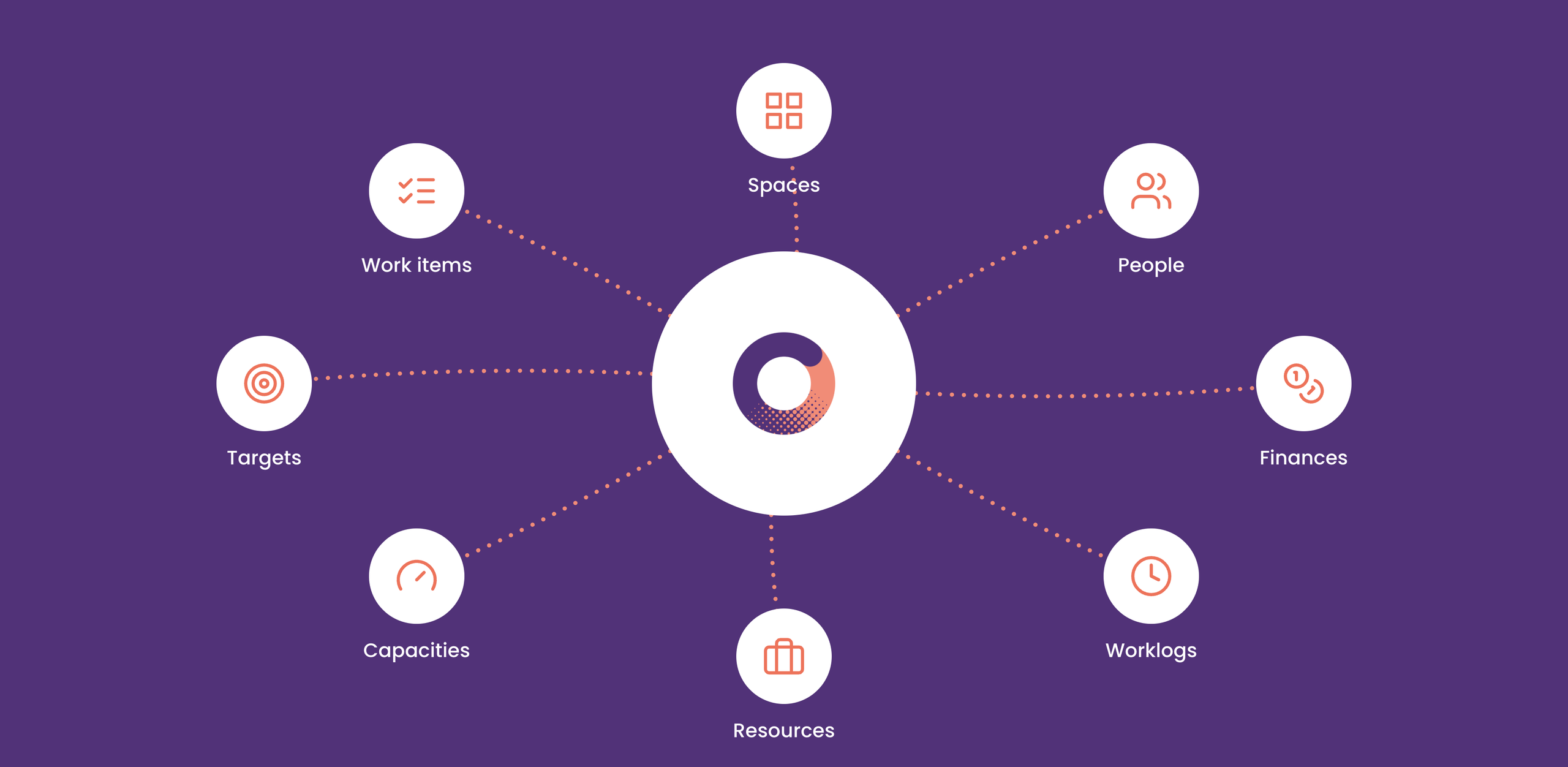
Every time you allocate people, you make a financial decision. Connect time and money right in Jira.
Capta turns capacity agreements and logged time into a financial forecast built on real data. No switching to Excel, no retyping data by hand and no stitching two different reports together. One click, right on top of your Jira spaces.
In the 21st century, capacity and financial management looks different.
People, time and money in one place
Capacity and financial views live in one native environment. No more jumping between systems.
The right workload across the company
Check every new request against real capacity before you say yes. No more overloading your people blindly.
Real-time reporting
See how a project is doing financially in real time, not when it's too late to react.
Focus on what matters
The quarter ends and you see real results. Your team isn't burning time on invisible maintenance. It's delivering the work that actually moves the company forward.
Most companies blur the line between operational and managerial planning. Is yours one of them?
We see it again and again. A company tries to manage its overall capacity and finances from the level of individual tasks. Instead of the overview it was hoping for, it gets exhausting micromanagement. So many managers retreat to their last resort, Excel, to separate operations from strategy on their own. But that just trades one problem for another: endless manual re-entry of data and confusion over which version of the truth is the right one.
The way out isn’t a more complex spreadsheet. It’s a clear split of responsibilities. Our methodology has three layers that must never blend together: strategy (L1 Strategy), the managerial agreement on allocations (L2 Handshake) and day-to-day operations (L3 Delivery). The result? You hold a stable capacity and financial plan before the first ticket is even created in Jira. From then on, actual worklogs show you in real time how closely the plan matches reality.
1
L1 Strategy
Strategic priorities. Leadership decides which initiatives get the company’s people and money. Every allocation starts here.
2
L2 Handshake
A managerial agreement on allocation. Who works on what, and how much: in hours, percentages or person-days. A stable commitment made before any execution tickets exist.
3
L3 Delivery
Day-to-day execution in Jira. Teams work with work items and log time exactly as they do today. Operational changes don’t break the managerial plan.
4
Result
Plan vs. reality. Actual worklogs instantly show where you’re drifting from the agreement, in both capacity and money.
Our solution: Capta
Capta is a native Jira app that brings capacity planning and a financial view of your projects into one place. Switch between people and money with a single click. No second system, no re-entering data, no reconciling two reports.
Key features
People and money, finally connected Capta connects your capacity plans and financial results in a single native Jira app. Switch between people and money with one click: no duplicate data entry, no jumping between tools and no reconciling reports that don’t talk to each other.
.
An instant reality check for leadership Planned allocations sit right next to actual worklogs. Every decision, forecast and report is based on the documented gap between plan and reality, not on guesswork.
Every hour aligned with your priorities See exactly where your teams are putting their effort and whether it matches the company’s priorities. Spot deviations early, redirect attention fast and keep your best people on the work that matters most.
Get answers to the questions that usually have to wait until the end of the quarter. Can we handle this initiative with the people we have? Are our projects turning out the way we planned? How many people do we need to hire?
PMOs and project offices
See resources across your entire portfolio, along with a documented gap between plan and reality.
Project and line managers
Finally see who is really working on what, and protect your teams from overload before it starts to show.
Sales teams
Promise realistic start dates, because you can see when capacity actually frees up.
An external consultant can often be a more efficient option for companies than developing an in-house specialist. The model where the consultant spends four days with the client and one day with their home team brings current know-how and experience from various projects into the company. The result is faster…
According to our Innovation Architect Radek Petr, the Atlassian environment is very similar to Apple. He talks about digital transformation in the Build a Brand podcast.
How long does it take to get Capta up and running?
You can install it from the Marketplace and build your first capacity plan in a single afternoon. You work with the projects and people you already have in Jira, so there’s nothing to migrate.
2
Do we have to change how we log time?
No. Capta reads the worklogs you already have in Jira.
3
How are you different from the big enterprise tools?
We don’t try to cover every possible scenario. We deliver the core value, connecting capacity and finances and comparing plan with reality, in a simpler environment and at a fraction of the price.
4
Is our data safe?
Capta runs natively on Atlassian Forge. Your data never leaves Atlassian’s infrastructure, and the app doesn’t process any personal data.
5
Can we try Capta?
Yes. Start a free trial directly from the Atlassian Marketplace.